About this guide
Time to complete: 1min 30s
Difficulty: Easy
Event logging
The terminal has a built-in logging system that allows you to log events in a website.
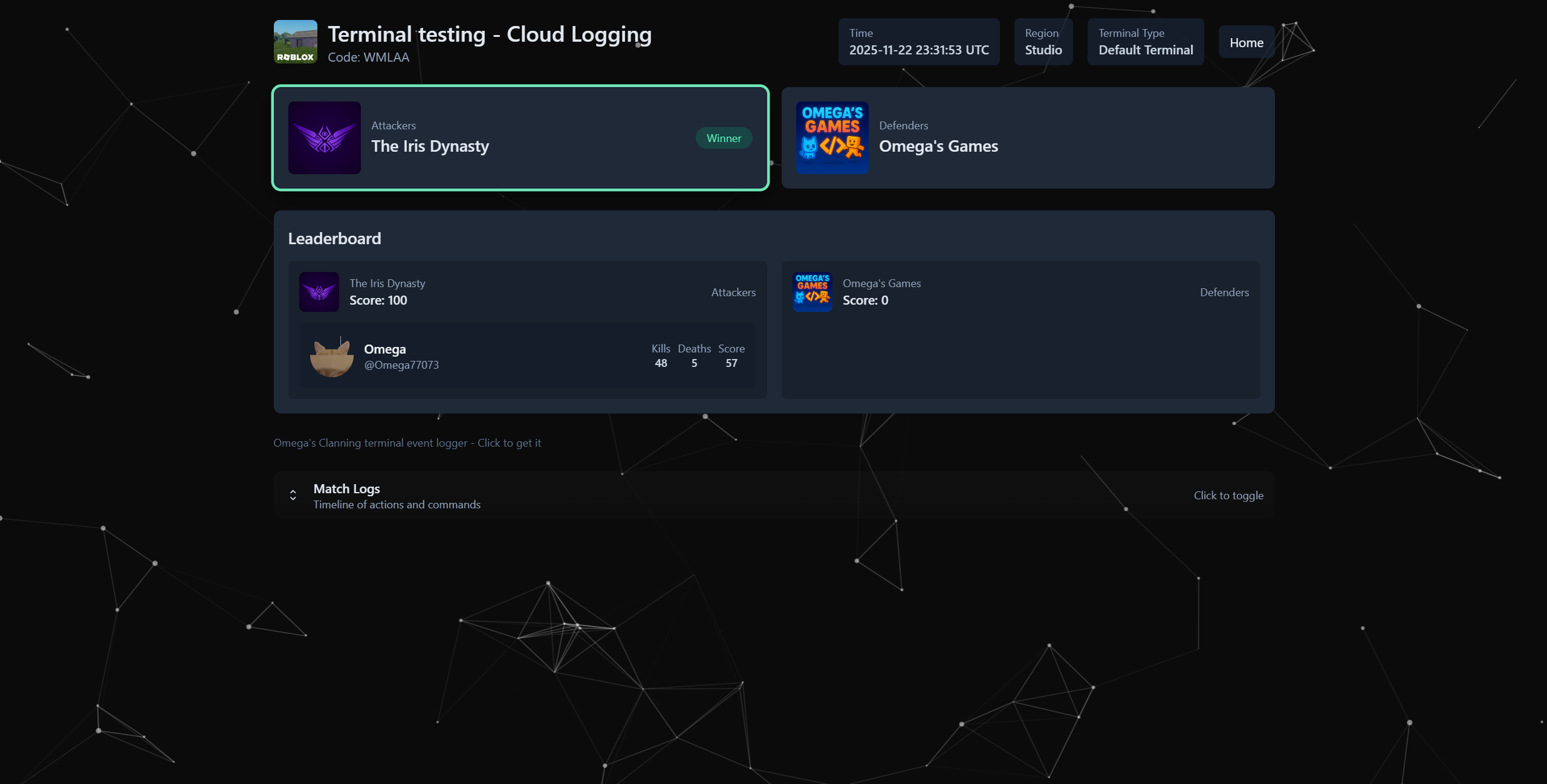
Alternatively, you can send the generated data to a custom API endpoint.
Enabling logging
To prevent abuse, the service requires an API key that can be obtained for free. To get one, DM @omega7707 on discord.
warning
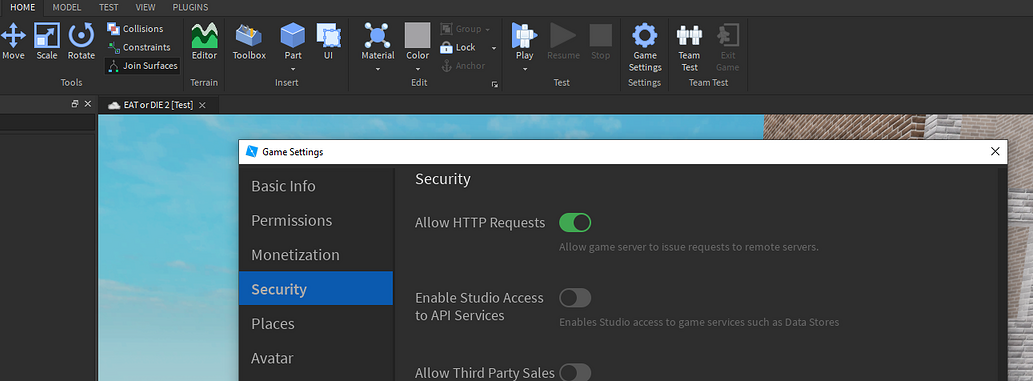
Make sure HTTP requests are enabled in you game settings
Get the cloud logging addon
Get the logging addon from here and place it in the Main folder > Addons folder.
Load the addon
In the server script, add the following line in the loading addons section:
wrapper:LoadAddon(script.Parent.Addons["CloudLogging"])
Configure the addon
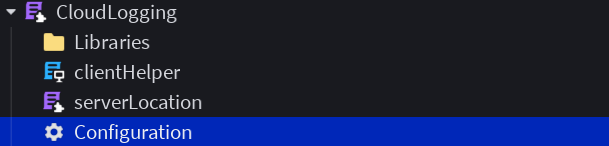
Click on the Configuration instance and edit it's attributes
| Attribute Name | Description |
|---|---|
| _API_Key | Your API key |
| BackgroundColor | The background color of the session page in hex format |
| PrimaryColor | The primary color of the session page in hex format |
| Enabled | Enable or disable online reporting |
| NewMatchWebhookURL | (Optional) A webhook URL to send a message when a new match is logged |
| ServerURL | The url used to send reports, modify if you have a custom endpoint |
| StudioServerURL | The url used to send reports when in studio, modify if you have a custom endpoint |
You're done
A match code will be posted in chat when a match ends, use it to view the match report on the website.